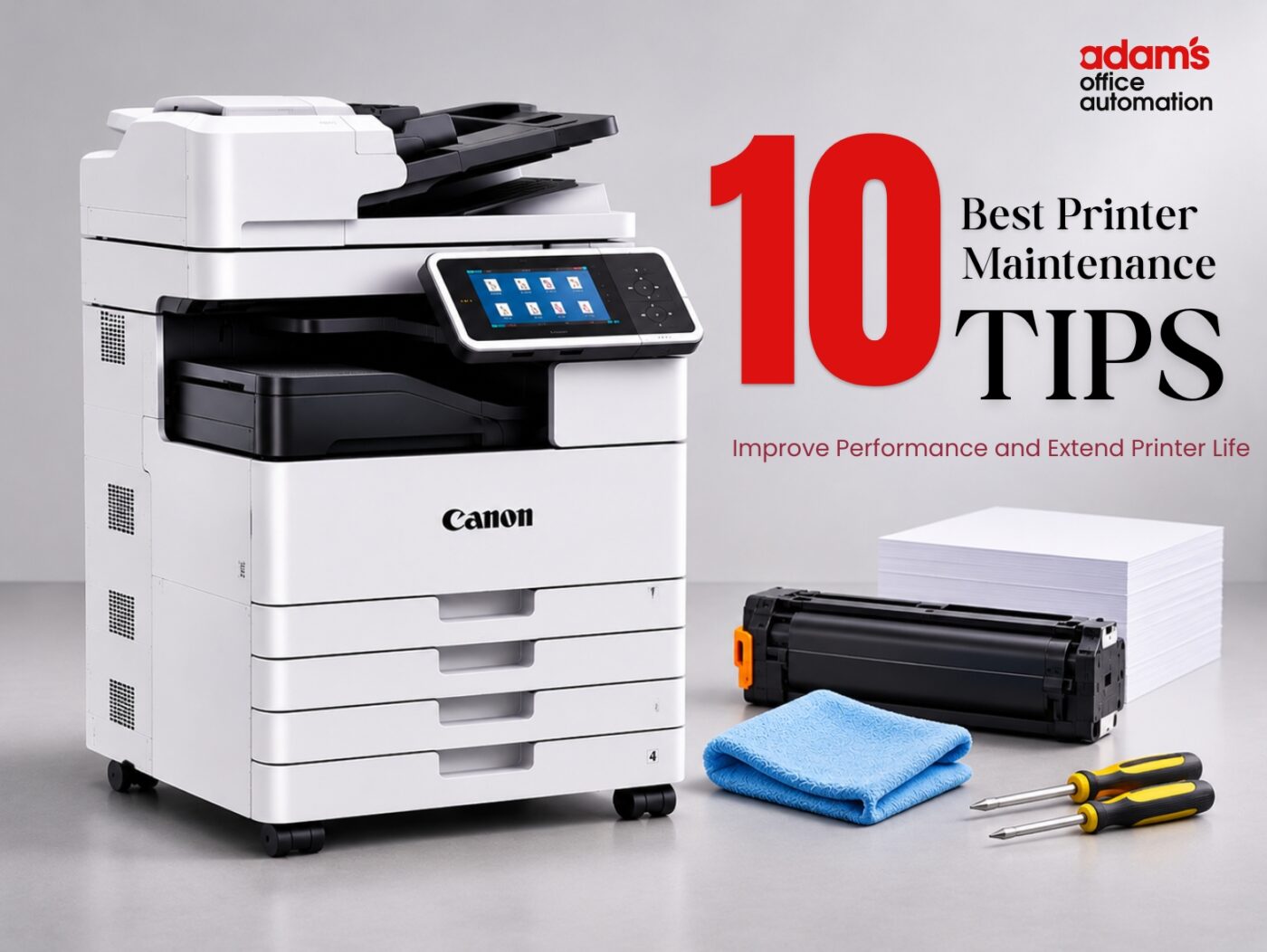
A printer that ceases to function suddenly will affect the production of invoices, reports, and various documents in offices. Some of the common issues include paper jams, faded prints, low printing speed, and error messages.
Many of these issues can be reduced through regular printer maintenance. Simple cleaning, correct paper handling, and timely servicing can help improve performance and prevent avoidable breakdowns.
The proper maintenance of office printers in Abu Dhabi and Dubai will not only save costs incurred from unexpected repairs but also increase the life span of the equipment. Below are ten helpful printer maintenance tips.
What to Remember
Follow these five essential printer maintenance practices to keep your office equipment working efficiently and reduce avoidable printing problems.
Clean your printer regularly: Remove dust from accessible printer areas and follow the manufacturer’s cleaning and maintenance instructions.
Use suitable paper and cartridges: Choose the recommended paper type and compatible ink or toner cartridges to maintain consistent print quality.
Handle paper jams carefully: Follow the printer’s instructions when removing jammed paper. Avoid forcing internal components or pulling paper in the wrong direction.
Keep printer software updated: Check printer drivers and firmware through official manufacturer sources to maintain compatibility and reliable performance.
Schedule professional printer maintenance: Request professional inspection and servicing when repeated paper jams, poor print quality, or recurring error messages appear.
A few minutes of regular printer care can help prevent hours of unnecessary office downtime.
10 Essential Printer Maintenance Tips for Better Performance
Printer maintenance is not always an activity that requires technical skills. Many preventive activities can be done easily, but any internal work and complex cleaning require skilled people.
1. Clean Your Printer Regularly
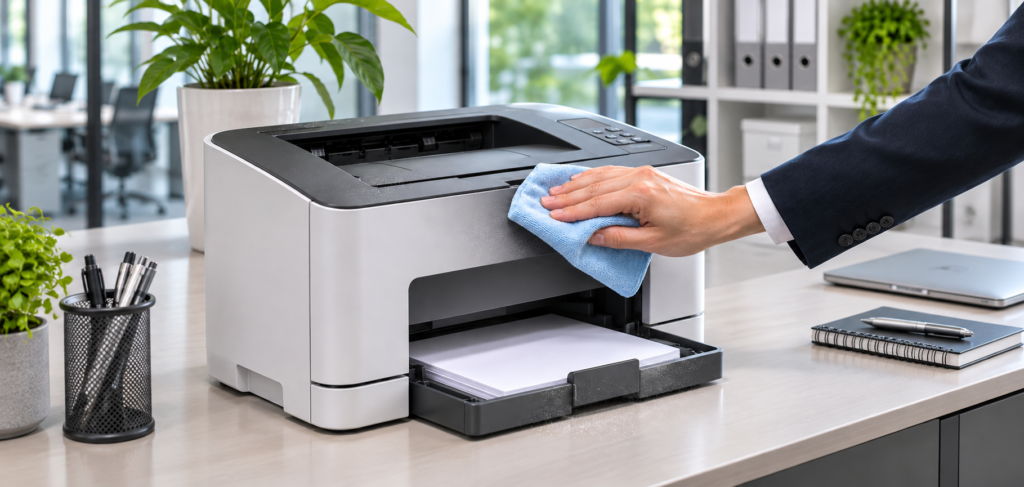
Particles of dust and paper may accumulate near the printer trays and rollers. This accumulation may eventually influence the feeding of the paper and the printing quality.
Clean the exterior of the printer using a soft and dry lint-free cloth. Clean the loose dust in accessible areas following the manufacturer’s directions.
Avoid spraying cleaning liquids directly onto the printer. Never touch hot internal parts or attempt to clean electrical components yourself.
2. Use the Correct Paper Type

The use of improper paper is another factor that contributes to the problem of paper jams. Every printer accepts certain types, sizes, and weights of paper. Heavy, torn, or improperly loaded paper could lead to feeding issues.
For better printer maintenance, businesses should:
- Use paper recommended for their printer model.
- Keep paper dry and properly stored.
- Avoid using folded or damaged sheets.
- Adjust paper guides without pressing too tightly.
- Do not overload the paper tray.
Good paper management can help avoid unnecessary disruptions while printing.
3. Replace Toner and Ink Cartridges Properly
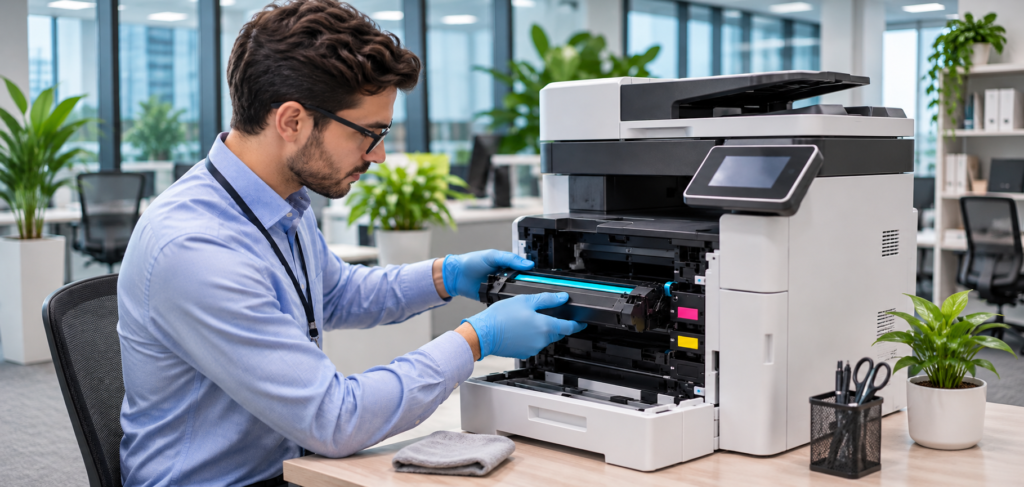
Poor-quality or unsuitable ink cartridges may create issues during the printing process. Improper installation may also create error codes or print quality issues. You should always make sure you have the right model of your printer before buying any supplies for it.
Businesses can explore suitable toners and cartridges in Abu Dhabi and Dubai to understand available replacement options.
Regular printer maintenance includes checking toner levels, cartridge compatibility, and print quality before problems interrupt office work.
4. Remove Paper Jams Carefully
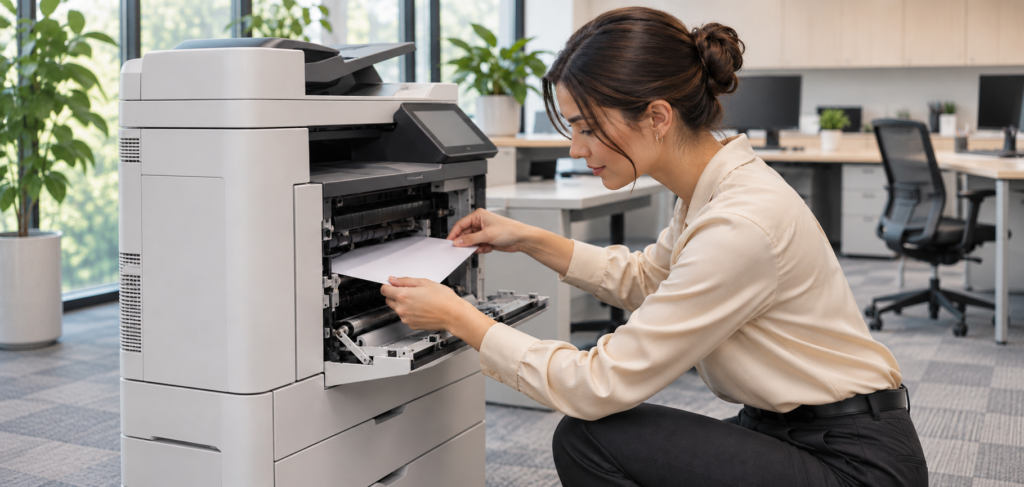
Jamming papers may cause mechanical failure in the printer’s interior parts. When jam happens, you should follow the guidelines shown on the printer’s display or from its manual. You must open the specific panels and extract the papers in the designated direction.
For laser printers, ensure that heated components within the machine are allowed to cool before proceeding as directed. If there is continued jamming even after clearing out the obvious cause, then the fault may be mechanical.
Businesses searching for printer repair Dubai services should share the printer model and details of repeated jams with a technician before booking an inspection.
5. Keep Printer Software and Firmware Updated
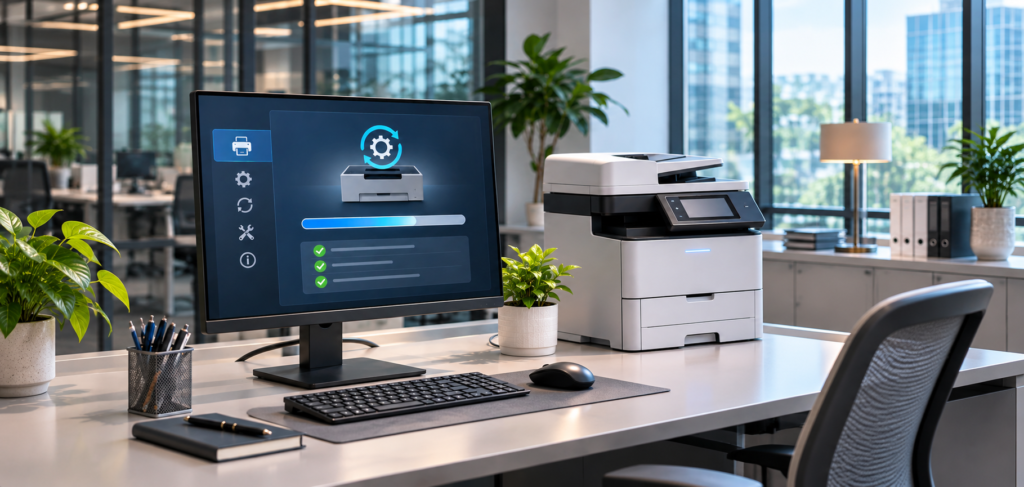
Printers have software and firmware upgrades released by printer companies to resolve existing issues and also for providing better compatibility and security fixes. Outdated drivers can lead to print errors and incompatibility issues.
As part of routine printer maintenance, check the manufacturer’s official support website for updates compatible with your exact model.
Read instructions prior to the installation of the firmware and do not interrupt the updating process. IT departments from the offices should look at the update first before deploying it on network printers.
6. Check Printer Rollers and Paper Feeding
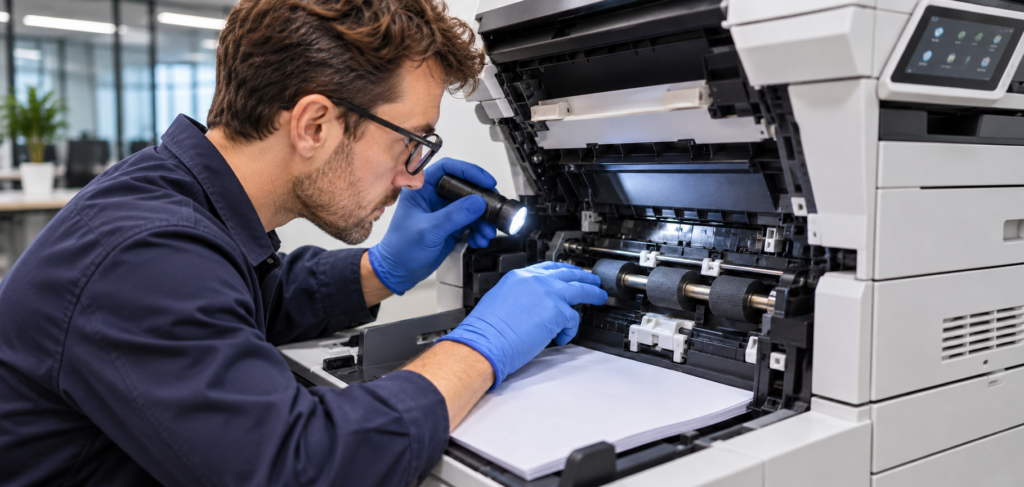
Printers have rollers that help to transport papers inside. They may get dirty after frequent use.
Common warning signs include:
- Multiple sheets feeding together
- Paper slipping or failing to enter
- Frequent jams in the same area
- Unusual noises during printing
However, some of the printers have the provision of user-level cleaning of rollers. Follow the directions of the printer manufacturer and do not use unsuitable chemicals for cleaning purposes.
If the problem continues, professional printer servicing may be required.
A trained printer technician can inspect the feeding system and determine whether cleaning, adjustment, or replacement parts are needed.
ADAMS PRINTERS · PRINTER SERVICING
Facing Frequent Paper Jams or Feeding Problems?
Repeated paper jams, multiple sheets feeding together, or unusual printer noises may indicate roller or paper feeding issues. Contact Adams Printer Repair Service and Office Automation for professional printer inspection and servicing in Abu Dhabi and Dubai. Share your printer model and the problems you are experiencing to discuss suitable repair options.
Need help with your printer?
7. Avoid Overloading Your Printer
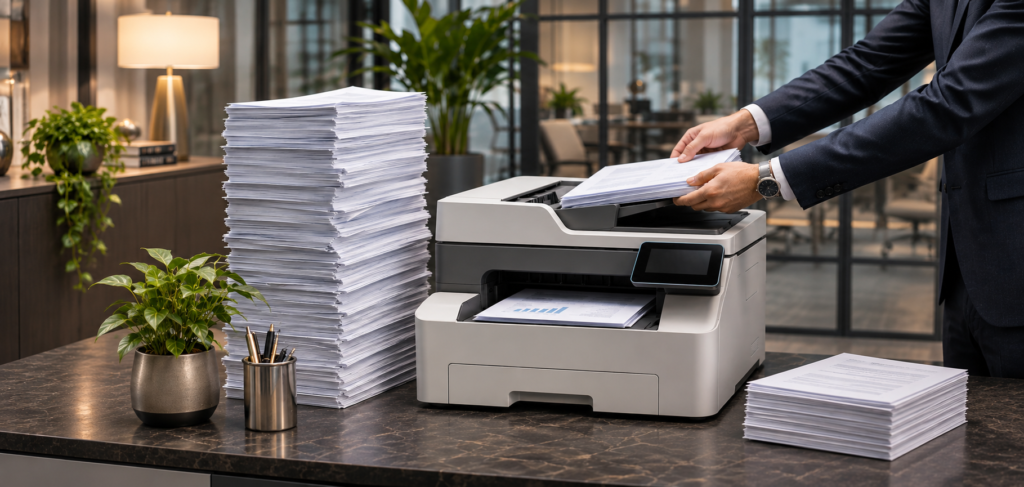
Every office printer is built to function within certain limits. Operating a small desktop printer under conditions of constant high volume printing might cause more wear and interruption. Check the maximum printing volume per month suggested by the maker instead of just the maximum duty cycle.
For example, a small office printing occasional invoices has different requirements from a business printing hundreds of reports daily.
Good printer maintenance includes monitoring printing volume and using equipment suitable for the workload.
If your current machine cannot handle office demand, explore these 10 essential features for office printer rental before choosing replacement equipment.
8. Keep the Printer in a Suitable Location
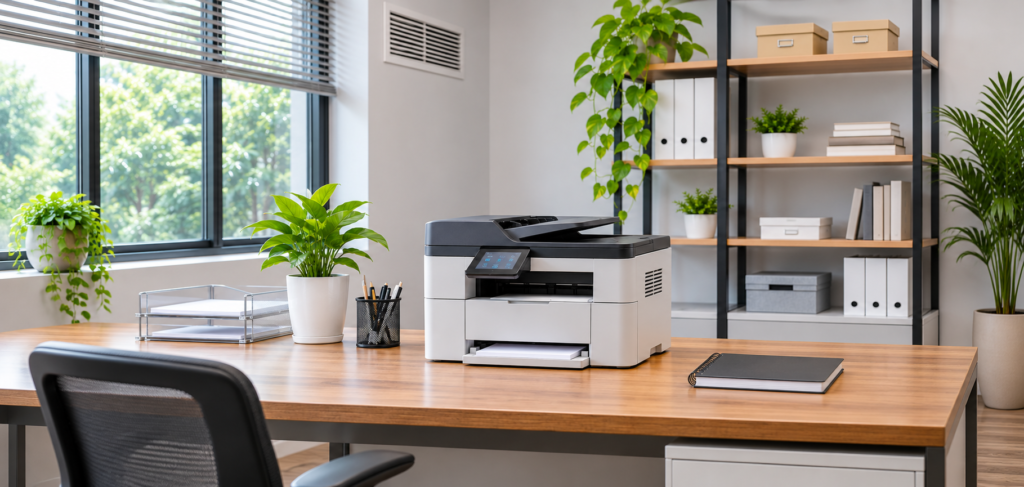
Printer positioning can influence printer efficiency. Do not place office printers in locations where there is direct sunlight, heat, moisture, or excessive dust. Ensure that ventilation slots are unobstructed and give sufficient clearance for the machine to run and maintain it.
Within the UAE, the printer must be maintained within an appropriate internal environment that adheres to the temperature and humidity specifications provided by the manufacturer.
For proper printer maintenance, also ensure that the equipment is placed on a stable surface with suitable electrical connections.
9. Schedule Professional Printer Servicing
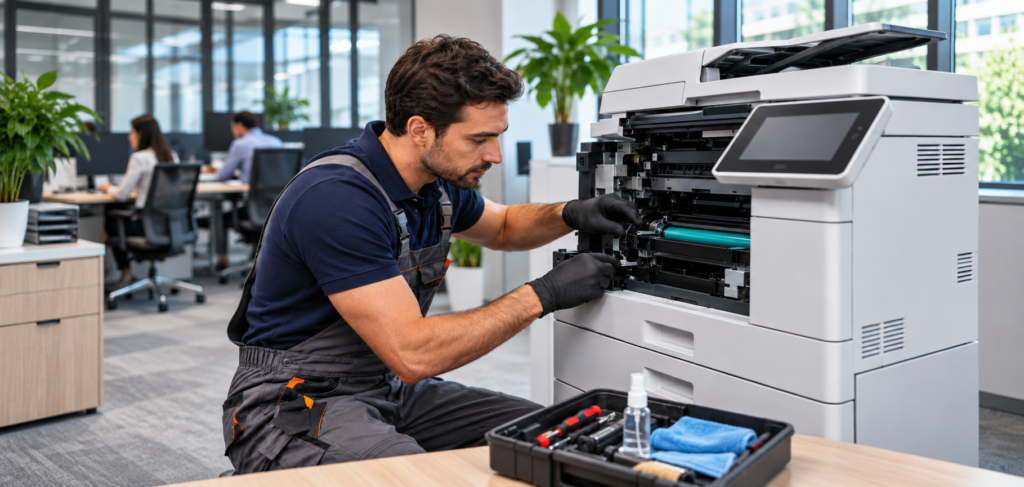
Some problems that exist in printers can never be detected by simple cleaning and basic troubleshooting techniques. Professional examinations could reveal that there are worn-out rollers, defective parts, and other errors.
Companies employing multiple printers may opt for printer maintenance on schedule via the Annual Maintenance Contract.
Explore printer AMC services to learn about planned inspections, preventive servicing, and maintenance arrangements.
If you are searching for a printer maintenance service near me, ask about inspection charges, included services, replacement parts, and technician availability.
ADAMS PRINTERS · PRINTER MAINTENANCE
Keep Your Office Printers Running Smoothly
Regular printer maintenance can help reduce unexpected breakdowns and office downtime. Contact Adams Printer Repair Service and Office Automation to enquire about preventive servicing, printer inspections, and Annual Maintenance Contract (AMC) options in Abu Dhabi and Dubai. Share your printer brands, number of machines, and service requirements to discuss suitable maintenance arrangements.
Looking for scheduled printer maintenance?
10. Address Printer Problems Before They Become Serious
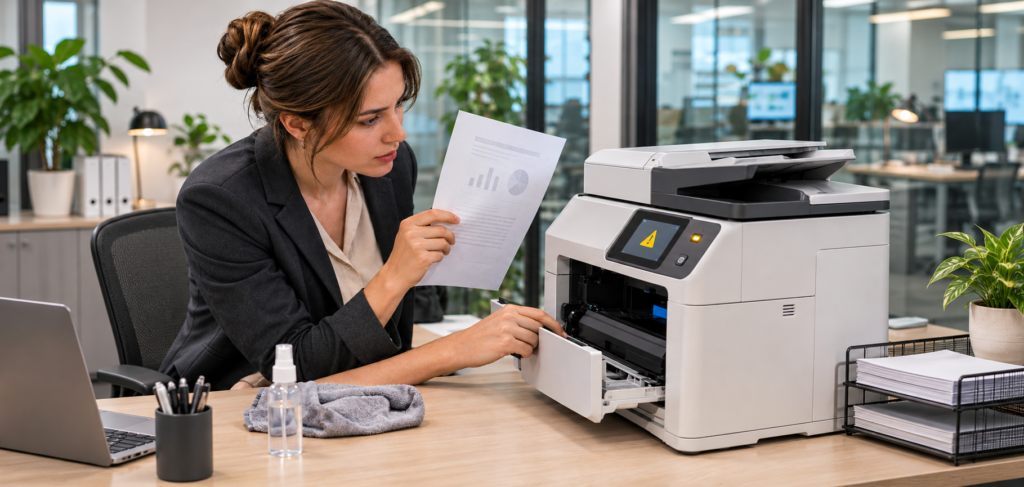
Small printing issues should not be overlooked. Yellowed pages, odd sounds, frequent error messages, and regular paper jams could be signs that your printer needs some work.
For instance, multiple streaks may be a sign of issues like malfunctioning cartridges, dirtiness, or worn-out parts. The right solution varies based on the type of the printer and the specific problem.
Businesses looking for printer repair Abu Dhabi services can read this guide to printer repair services in Abu Dhabi for more information about troubleshooting and repair options.
Timely printer maintenance can help prevent minor faults from developing into larger problems.
When Should You Book Professional Printer Repair?
Printer maintenance will help you avoid many common problems, but there are some that only a professional can solve. If your printer is having frequent paper jams, strange noises, faded prints, or errors, it may be due to a damaged component.
Businesses searching for printer repair near me or printer repair shop near me should choose technicians who understand their printer model and can identify the actual problem.
A professional printer repair service can inspect internal components, explain the fault, and recommend suitable repair options. Getting technical support early may help prevent further damage and unnecessary office downtime.
ADAMS PRINTERS · PROFESSIONAL PRINTER REPAIR
Need Professional Printer Repair in Abu Dhabi?
Is your office printer experiencing repeated paper jams, unusual noises, faded prints, or recurring error messages? Contact Adams Printer Repair Service and Office Automation to discuss professional printer inspection and repair options in Abu Dhabi and Dubai. Share your printer brand, model, and the problems you are experiencing to enquire about fault diagnosis, servicing, and suitable repair solutions.
Need help diagnosing your printer problem?
Important Factors to Check Before Hiring a Printer Technician
Selecting the correct technician can prevent additional costs and recurring printer issues for any business. When it comes to Canon printer repairs, one needs to make sure the technician has expertise in that particular model and can get suitable replacement parts.
Businesses searching for cheap printer repair in Abu Dhabi should compare inspection fees, labour charges, spare parts, and warranty conditions before booking a service.
The best printer repair in Abu Dhabi depends on technical experience, accurate fault diagnosis, transparent pricing, and after-service support.
Before you agree to any repair work being done, ask for a quotation that includes details and inquire about whether the problem can be solved without having to replace major parts. If the repair is going to cost a lot, then check how much a replacement printer would cost.
Keep Your Office Printer Working for Longer
Regular printer maintenance helps businesses reduce avoidable printing problems and manage equipment expenses.
Simple habits like proper loading of the printer paper, cleaning, cartridge changing, and installing updated software will help in printing.
Professional inspection may be conducted in cases where fault persists to establish the source of the problem before any money is wasted on replacements.
Get Professional Printer Maintenance Support with Adams
Adams Printer Repair Service and Office Automation provides printer repair, servicing, and office printing solutions for businesses in Abu Dhabi and Dubai.
Whether your printer has repeated paper jams, poor print quality, or recurring error messages, contact the team to discuss inspection and servicing options.
Let’s Connect
Looking for professional printer maintenance in Abu Dhabi or Dubai? Contact Adams Printer Repair Service and Office Automation to discuss printer servicing, recurring paper jams, poor print quality, cartridge issues, error messages, and other printing problems. Share your printer brand, model, current issues, maintenance requirements, and preferred service location with our team to explore suitable inspection and repair options and request a quotation.
FAQs
Basic cleaning and paper checks can be performed regularly. Professional servicing frequency depends on the printer model, usage, and manufacturer recommendations.
Proper care can reduce unnecessary wear and help equipment remain functional for longer, although actual lifespan varies.
Common causes include damaged paper, incorrect loading, dirty rollers, worn feeding parts, and unsuitable paper types.
me companies in Abu Dhabi offer monthly or longer-term rental packages, albeit on different terms.
Some printers support user-level roller cleaning. Follow the manufacturer’s instructions and avoid opening restricted components.
Contact a technician when paper jams, error messages, unusual noises, or print quality problems continue after basic troubleshooting.
Yes. Printer service providers in Abu Dhabi offer Canon-related repair support. Confirm that your specific model is covered.
Check Canon’s official support channels for authorised service options, or contact a local technician for independent repair services.
Use Canon’s official regional support website for authorised contacts. For independent repair enquiries, Adams can be contacted at +971 50 426 3775.
No. Basic problems such as incorrect paper loading or simple connection errors may be resolved by following the printer manual.
It depends on the printer’s condition, repair costs, age, and expected future use. Compare the total expenses before deciding.